

A workspace for every client, and the people who work on it.
Keep each client or brand in its own workspace with its own projects, switch in one place, and invite your team or the client as Viewer or Editor.
7-day free trial · No card needed
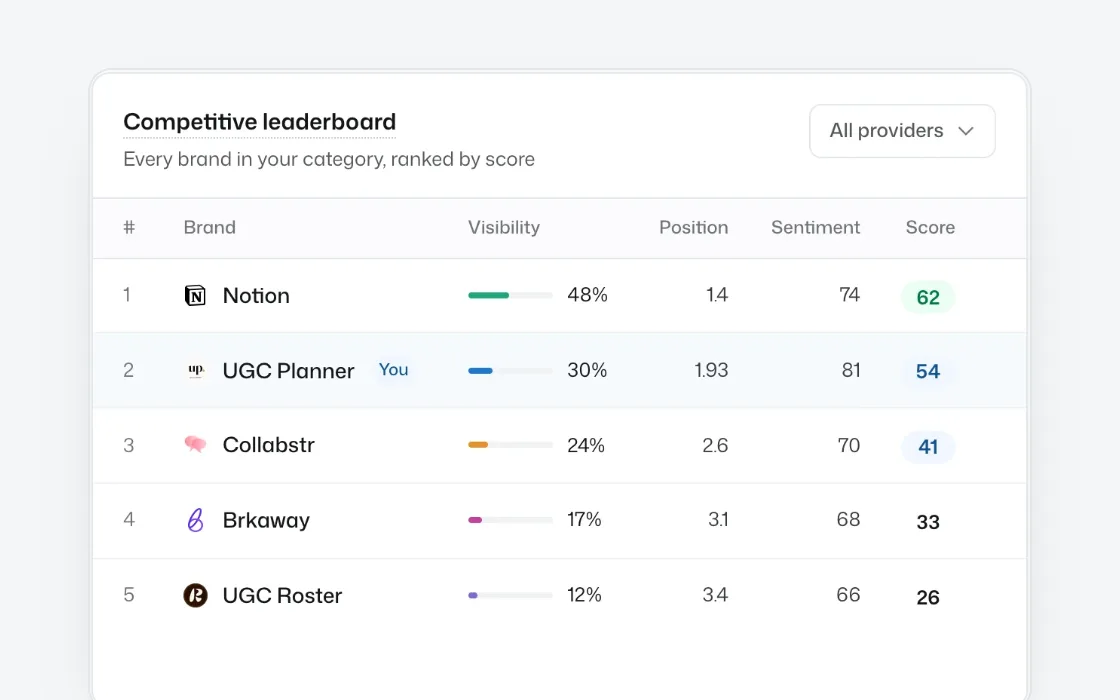
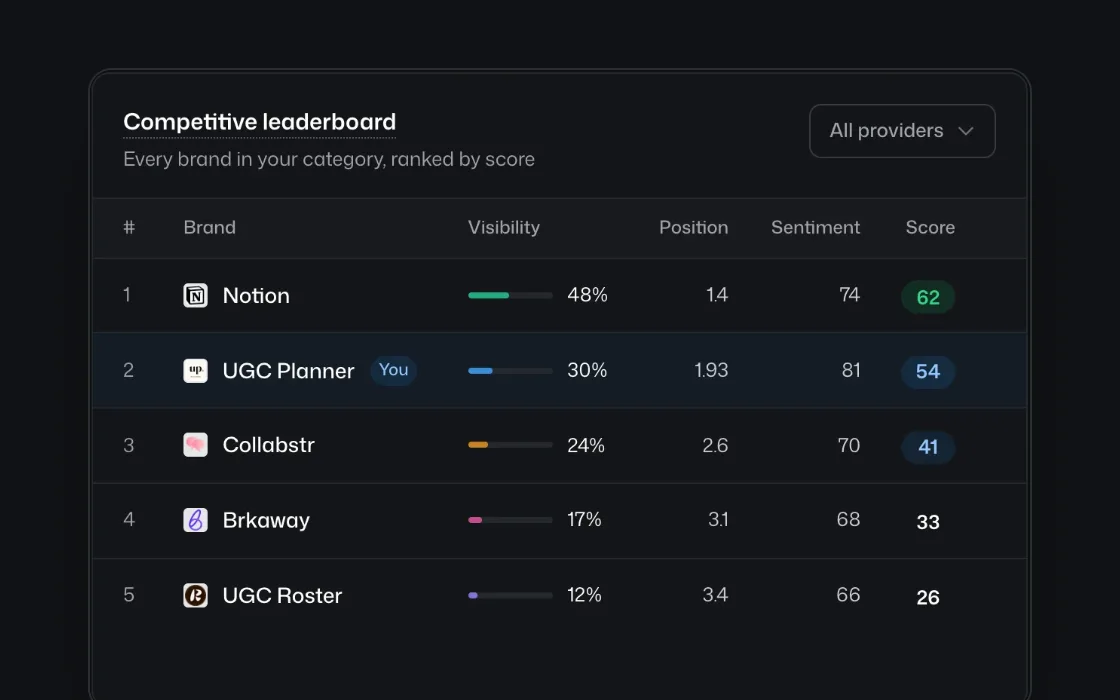
Sample data: UGC Planner
Tracks your brand on
 ChatGPT
 Gemini
 Claude
 Perplexity
 Grok
 Copilot
 Meta Muse
 AI Overviews
 AI Mode
Inside workspaces
Every client apart. Everyone on the same page.
Workspaces
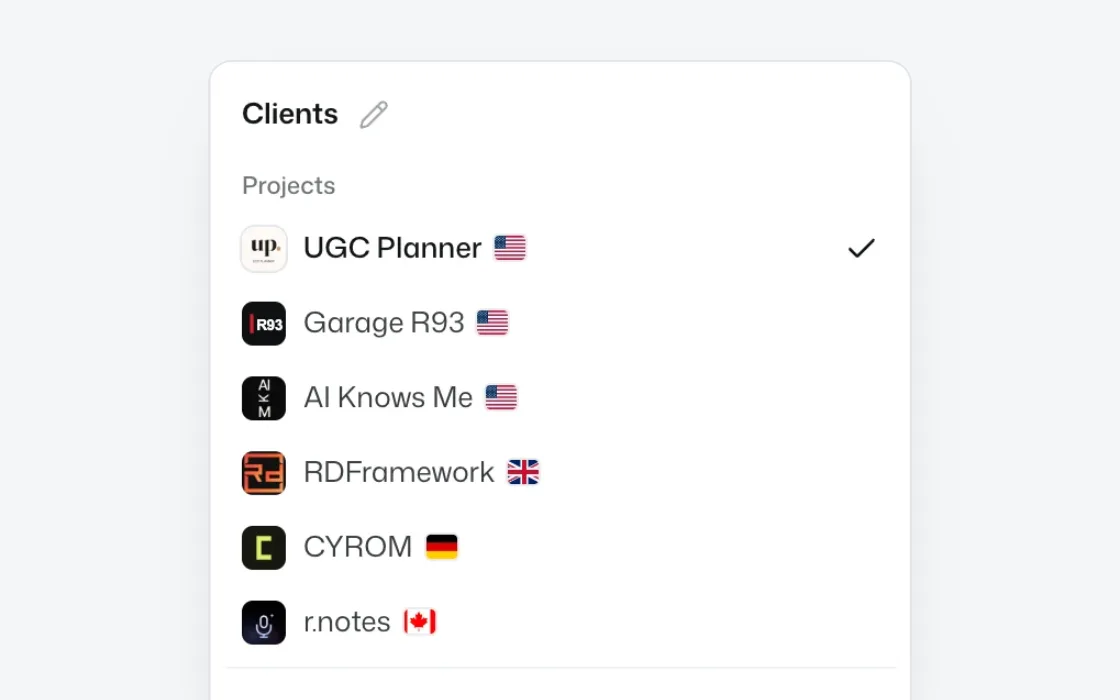
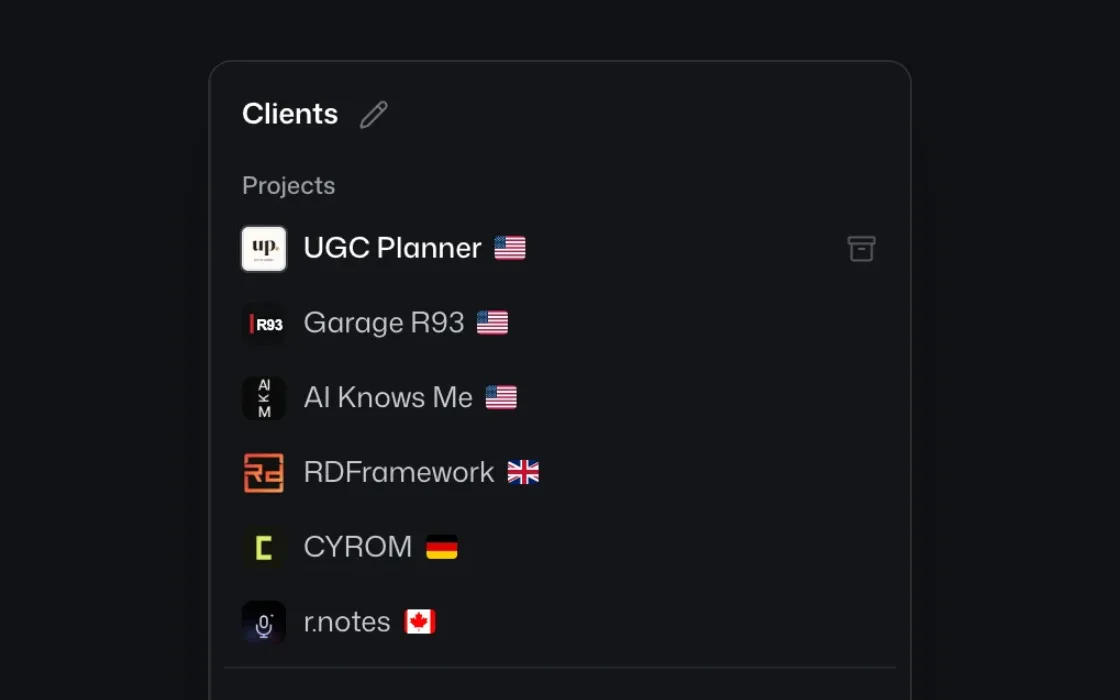
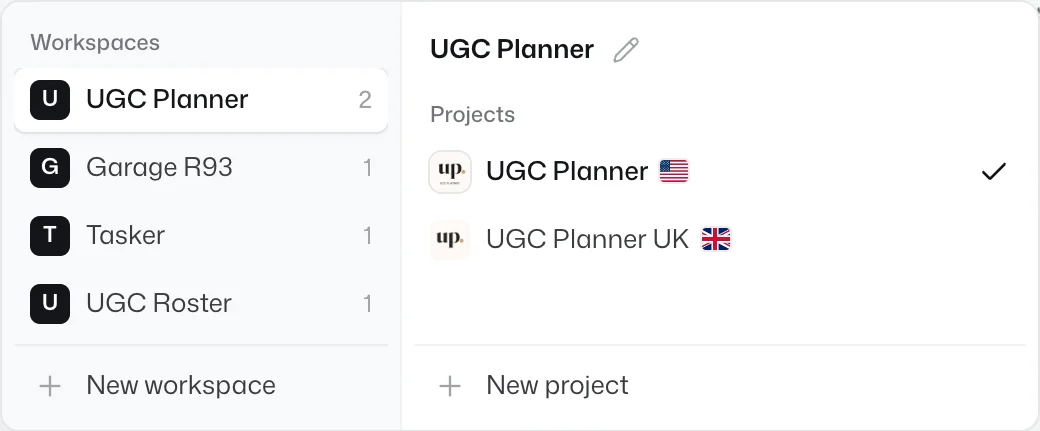
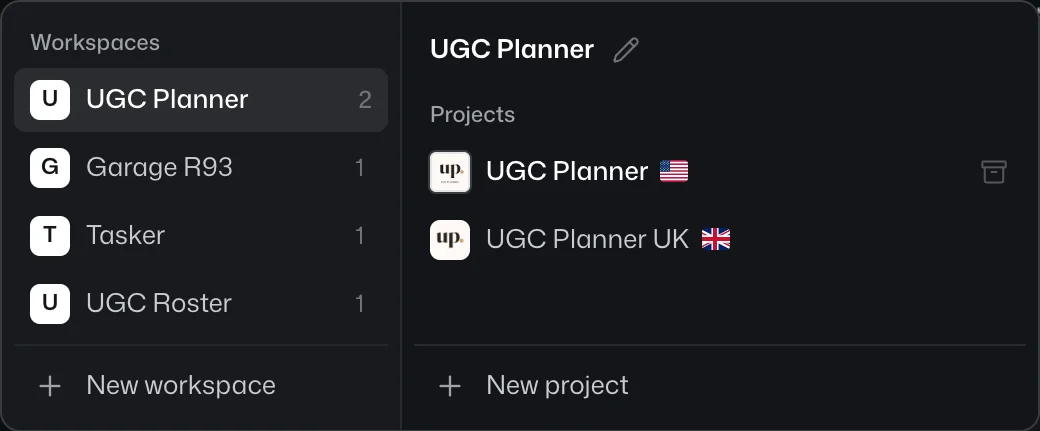
One switcher for workspace and project.
Workspaces on one side, the projects of the one you point at on the other. Rename a workspace or start a new one from the same menu.
Activity
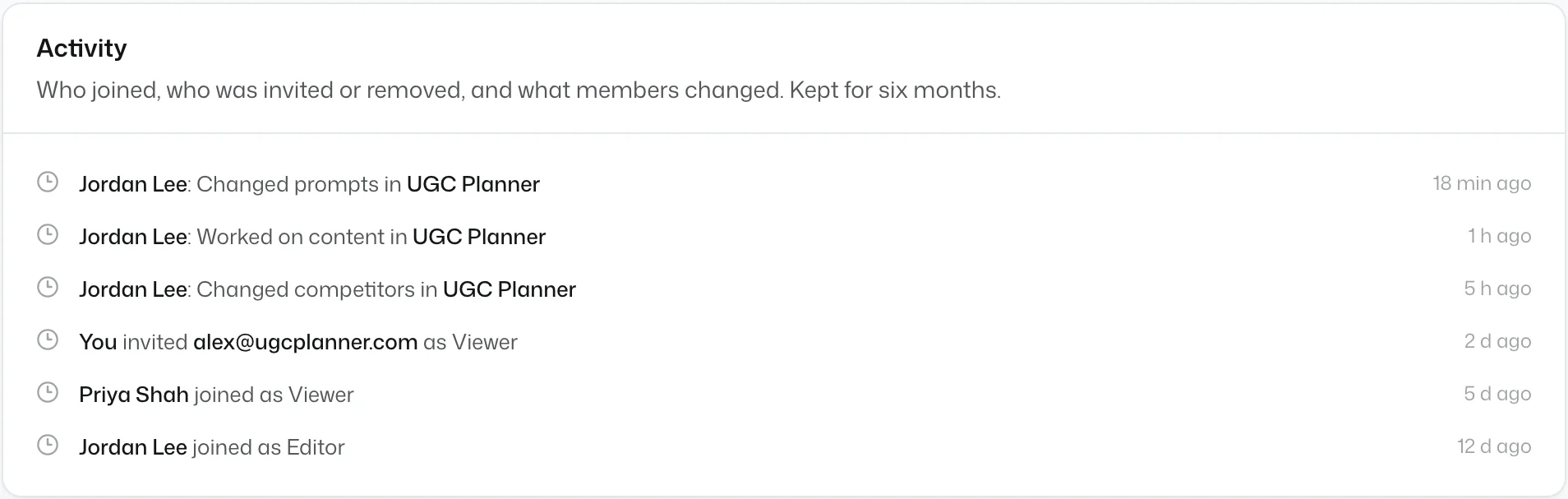
See what members change.
Who joined, who was invited or removed, and what each member changed, by project. Kept for six months.

Roles
Who can do what?
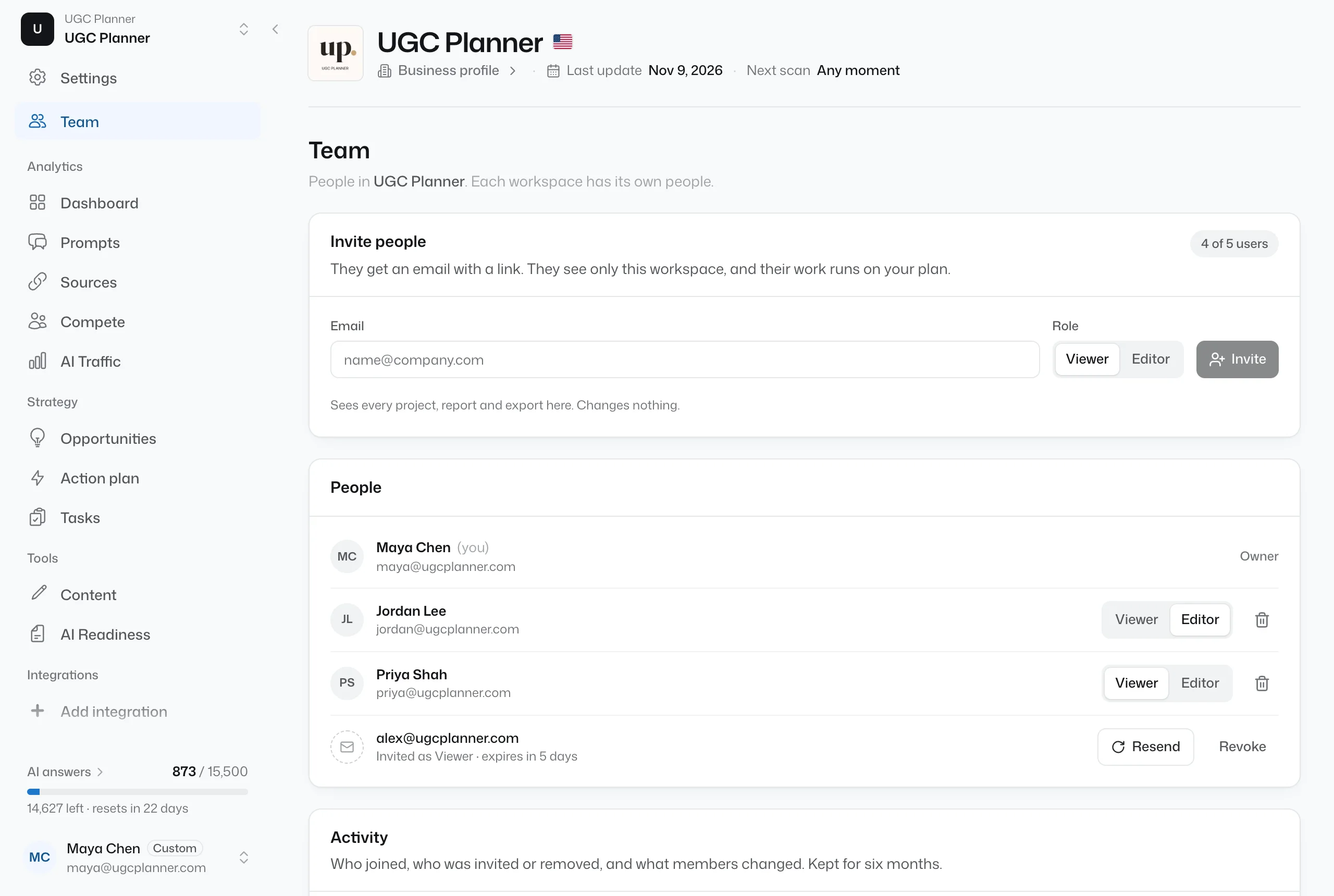
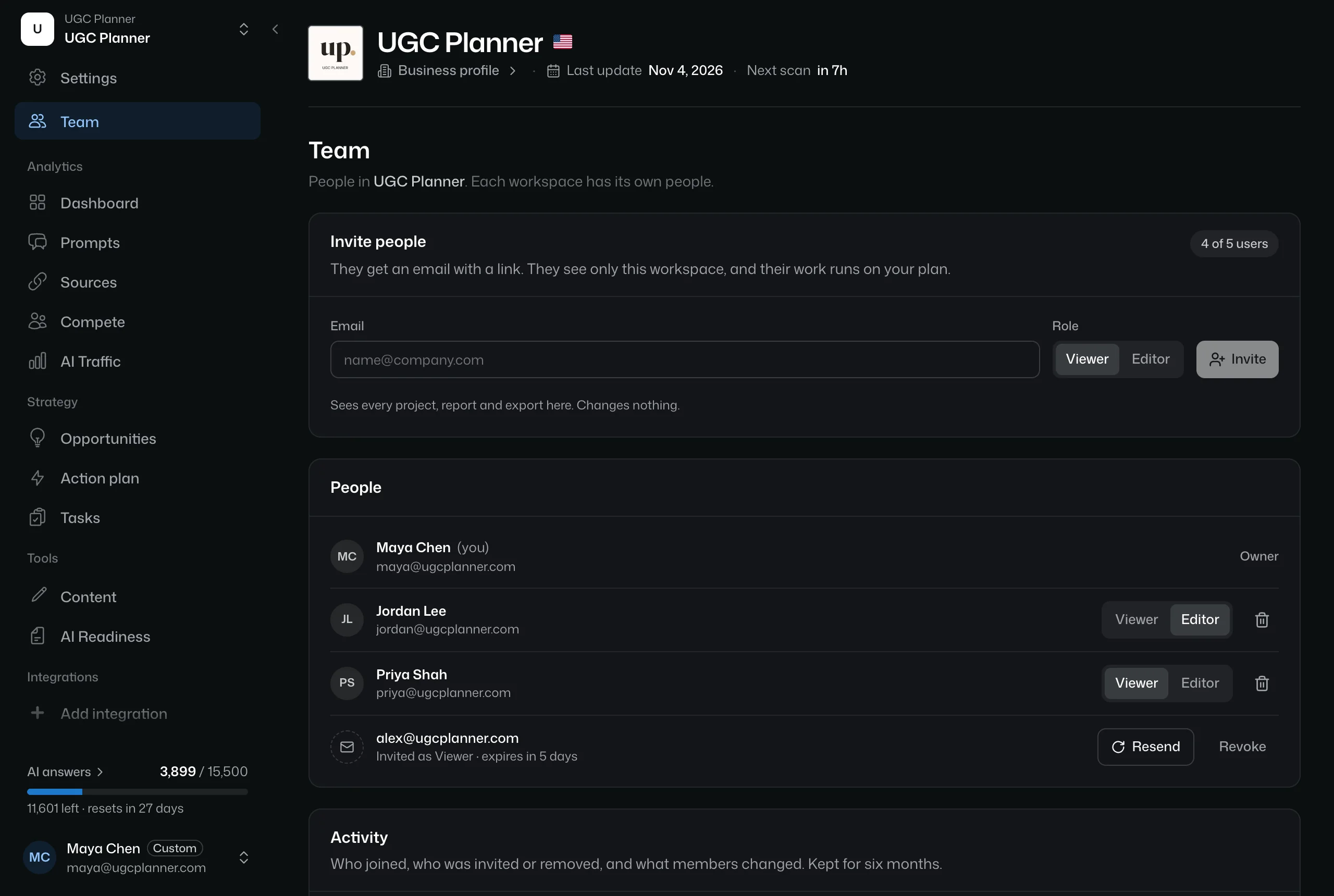
People are invited per workspace and see only that workspace. Everything they do runs on the owner’s plan.
| Action | Owner | Editor | Viewer |
|---|---|---|---|
| See projects, reports, sources and content | Yes | Yes | Yes |
| Export | Yes | Yes | Yes |
| Change prompts, competitors, tasks and content; run audits; ask Rankry Brain | Yes | Yes | — |
| Connect integrations, create or archive projects, rename or delete the workspace | Yes | — | — |
| Invite people, change roles, remove people | Yes | — | — |
Billing, the plan, API keys and MCP stay with each person’s own account.
By plan
How many workspaces and people?
| Plan | Workspaces | Projects | Users, you included |
|---|---|---|---|
| Base | 1 | 1 | 1 |
| Pro | 3 | 3 | Up to 5 |
| Custom | Up to 10 | Up to 10 | Up to 10 |
Prompts and answers are one pool for your license, shared across workspaces.
Explore Rankry
Related features
What is a workspace?
A folder for one client or brand: its projects, and the people invited to it. Everyone starts with one; on Pro and Custom you can add more.
Do invited people need a paid plan?
No. They sign in with their own Rankry account, and their work in your workspace runs on your plan: the answers, audits and drafts come out of your limits.
Can a client see my other clients?
No. People see only the workspaces they were invited to.
How do I invite someone?
Open Team in the sidebar, enter their email and pick Viewer or Editor. They get a link by email that lasts seven days.
Can I take access away?
Yes. Change someone’s role or remove them on the Team page, and it applies on their next click.
Give every client a workspace
Start a trial, add your first client, and invite your team when you move to Pro.
7-day free trial · No card needed