

The questions people ask AI, and the searches it runs to answer them
Two lists on the Opportunities page: real questions from your market, and the web searches AI ran before answering your prompts. Each shows who comes up, you or only your rivals.
7-day free trial · No card needed
Sample data: UGC Planner
Tracks your brand on
 ChatGPT
 Gemini
 Claude
 Perplexity
 Grok
 Copilot
 Meta Muse
 AI Overviews
 AI Mode
Inside Questions and searches
What people ask, and what AI looks up.
Looked up by AI
The searches behind the answer.
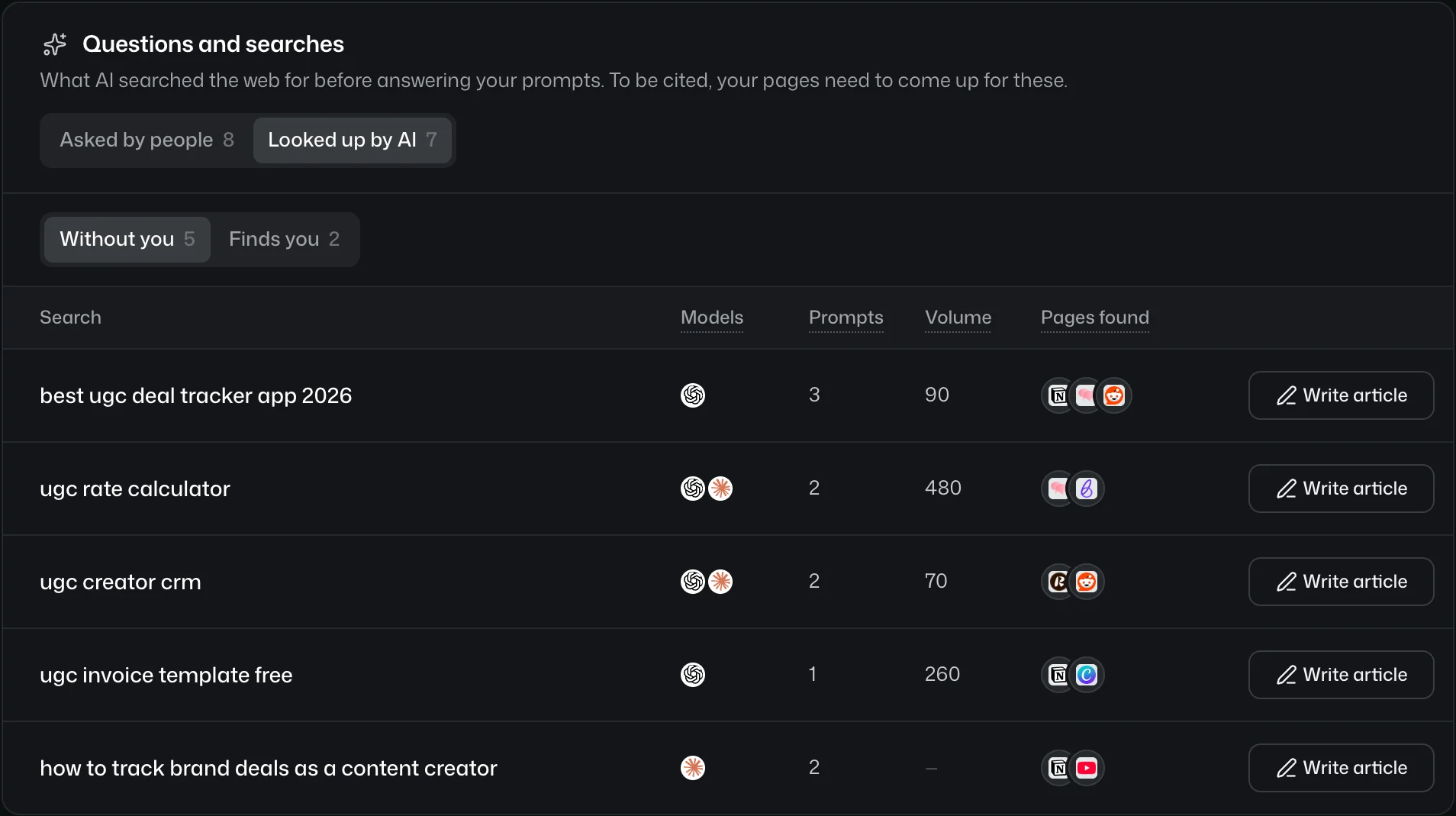
Before answering your prompts, AI searches the web. See each search, the models that ran it, its Google volume, and whose pages came back.
Write the page with Content Studio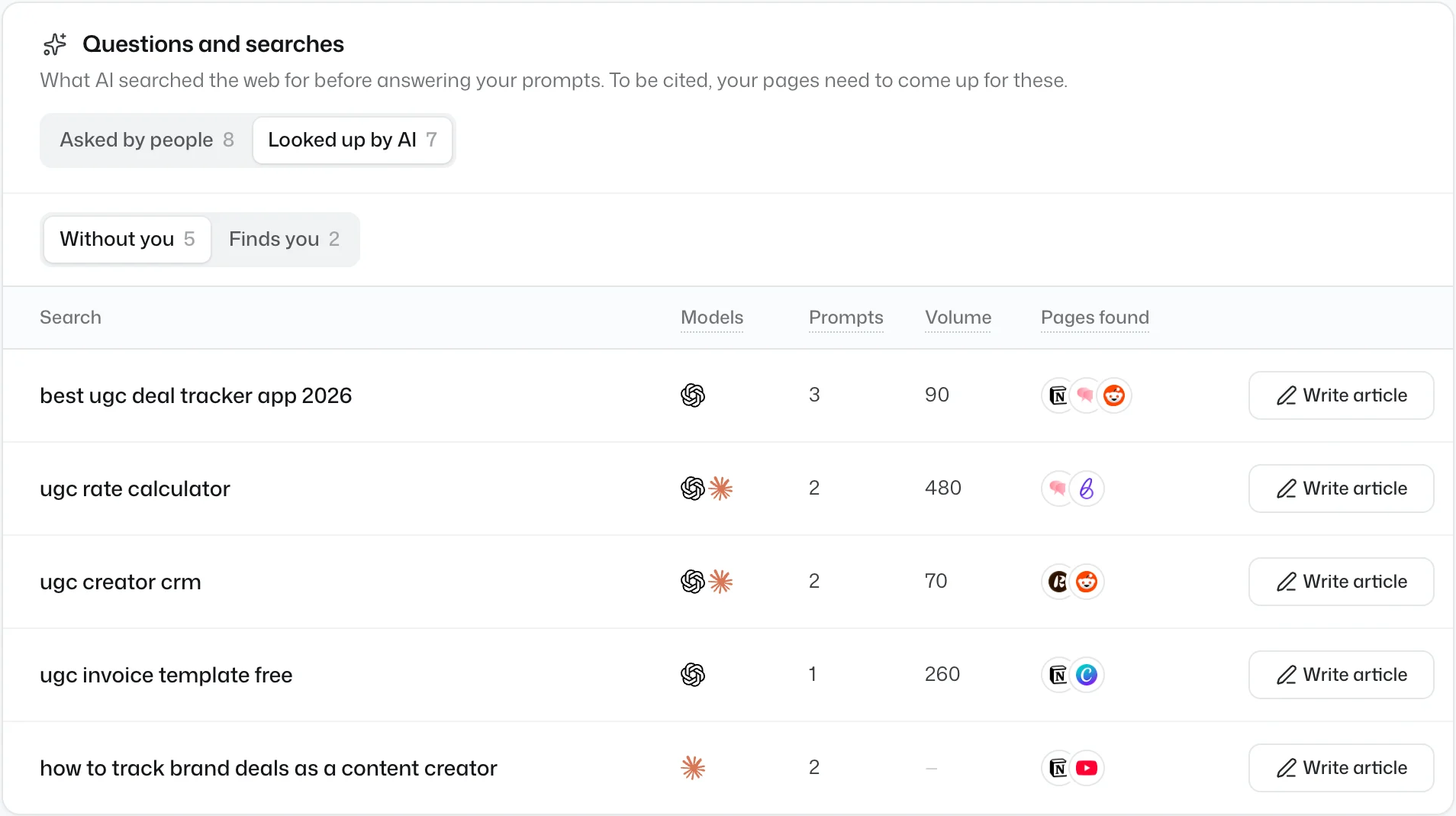
In short
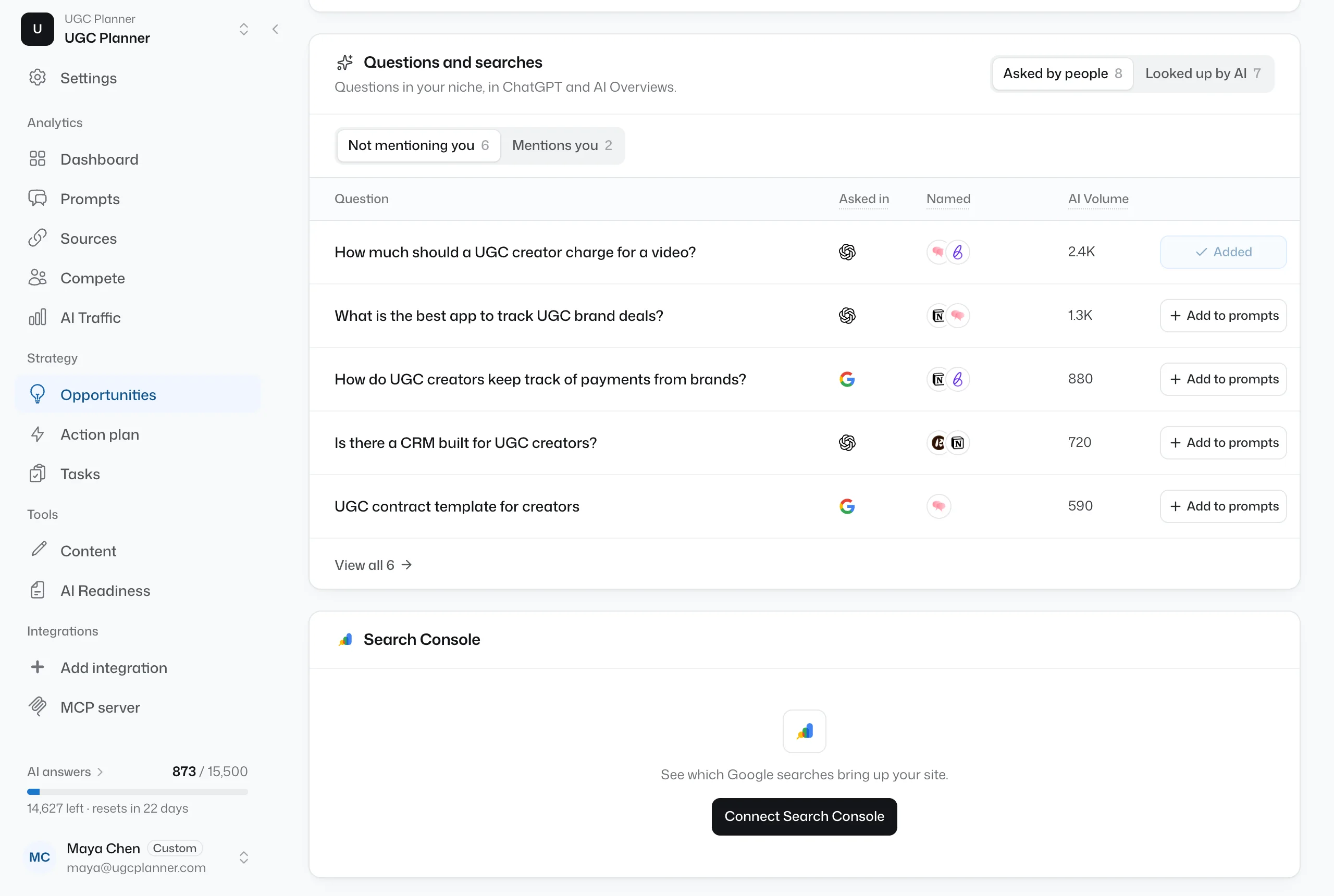
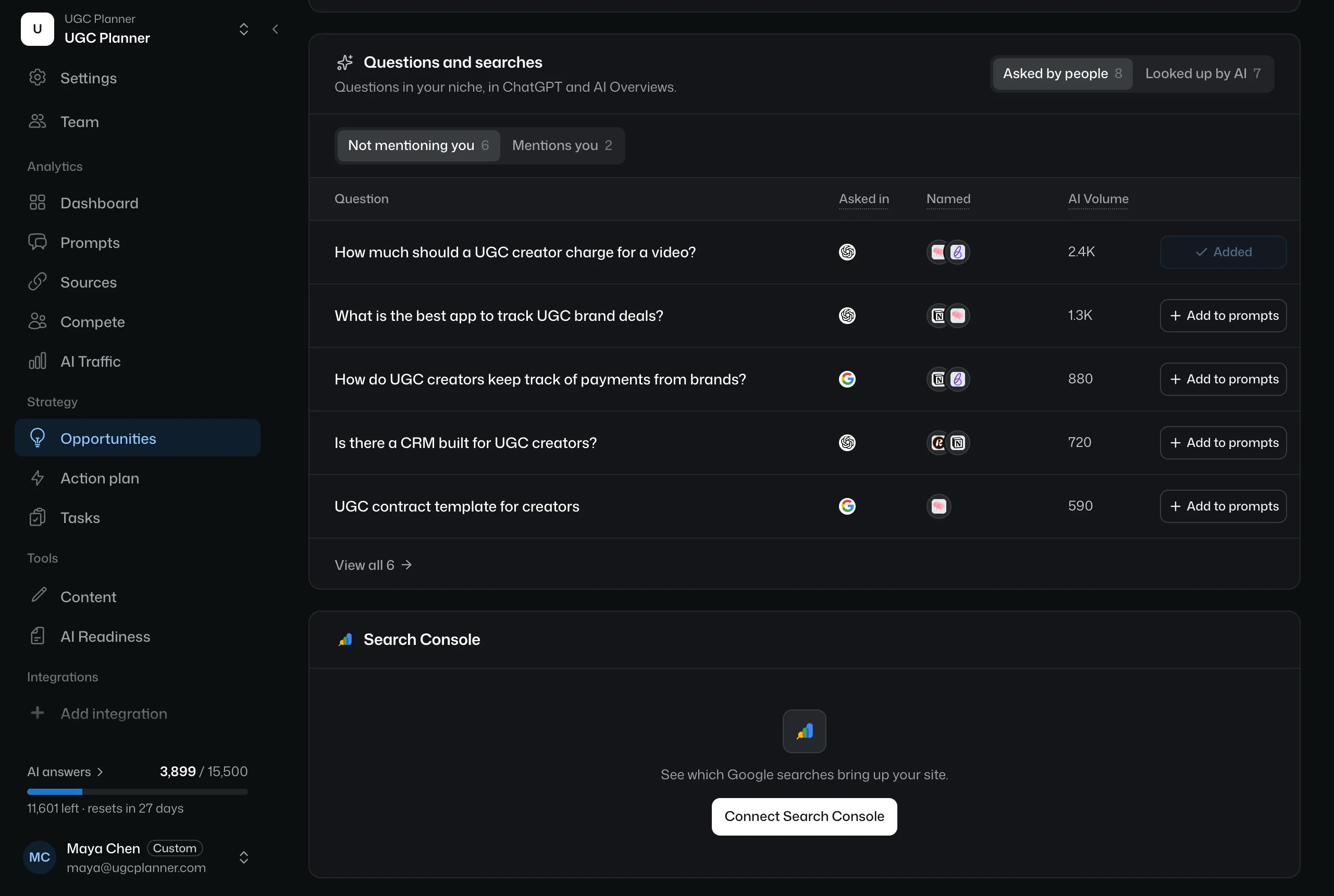
Questions and searches is a card on Rankry’s Opportunities page with two tabs. “Asked by people” lists real questions people ask ChatGPT and Google AI Overviews in your market, with the brands each answer named and how often the question is asked. “Looked up by AI” lists the web searches AI ran before answering your tracked prompts, whose pages came back, and Google search volume. Add a question to your prompts, or write the page a search should find.
Two tabs
What does each tab show?
| Tab | What you see | What to do with it |
|---|---|---|
| Asked by people | Questions in your niche, where they were asked (ChatGPT or AI Overviews), the brands the answer named, and AI Volume. Filter by “Not mentioning you” or “Mentions you”. | Add the questions that matter to your prompts and track every engine’s answer. |
| Looked up by AI | The searches AI ran before answering your prompts, the models that ran them, how many of your prompts led to each, Google volume, and the sites whose pages came back. Filter by “Without you” or “Finds you”. | Write the page that should come up for the search. “Write article” opens Content Studio with the search as its topic. |
The columns
How do I read the lists?
Named
The brands the answer named, you included. A question that names only rivals is one they own for now.
AI Volume
An estimate of how often a question is asked each month. It is not a count from inside ChatGPT.
Pages found
The sites whose pages came back for a search, yours first. To be cited, your page needs to be among them.
Volume
Google searches a month for the search in your market. AI often searches long phrases people never type, so many have no number.
Find, add, write
How do I use it?
- 01
Open Opportunities
Questions and searches sits under “In your prompts”, five rows a tab, with “View all” for the rest.
- 02
Start with what names only rivals
On “Asked by people”, open “Not mentioning you”. These are the questions your rivals answer for you.
- 03
Add the ones worth tracking
Press Add to prompts, choose the engines and confirm. Rankry answers the new prompt right away.
- 04
Write for the searches without you
On “Looked up by AI”, open “Without you” and press Write article. Content Studio starts a draft on that search.
Explore Rankry
Related features
Are these real questions?
Yes. “Asked by people” shows questions people asked ChatGPT and Google AI Overviews in your project’s market, with the brands each answer named. Coverage depends on your country and language; if no questions are found, the list says so.
What is a search AI looked up?
Before answering, some engines search the web, often several times with different wording. Rankry records those searches for your tracked prompts and lists them, merged across phrasings. Engines such as ChatGPT and Claude report theirs.
Why do many searches have no volume?
AI often searches long, specific phrases that people rarely type into Google, so Google has no number for them. The search still shapes the answer: the pages it finds are the ones AI can cite.
Does opening the card start anything?
No. Nothing is added to your prompts until you press Add to prompts and confirm, and Write article only opens a new draft in Content Studio.
Do I need to add competitors first?
No. “Asked by people” finds questions in your niche without them. Tracked competitors are marked in both lists, so adding them makes it easier to see who owns what.
Which plans include it?
Every plan, as part of Opportunities. Adding a question as a prompt uses your plan’s prompts and answers like any other prompt.
See what AI looks up before it answers
Run your first report and find the questions and searches where your rivals come up and you don’t.
7-day free trial · No card needed